Getting help
How to reach a human concierge.
Updated August 5, 2026
If you need help, this page covers the three ways to reach the Mojo Gift support team and what to expect from each.
When to reach out
Common reasons:
- A redemption code isn't working
- A booking needs to be changed or cancelled
- You've been charged but credits aren't showing
- You have a question Clavis can't help with
- Something on the site isn't behaving as expected
For planning-side questions (where to go, what to ask for, what's available), Custom Experience and Request a Product are the right place. Those flows are concierge-backed by design.
Chat with Clavis
The fastest way to get help is the Clavis button in the bottom-right corner of every page in the redeem portal. Clavis answers from the Mojo Gift knowledge base instantly, and hands off to the human support team if your question needs one.
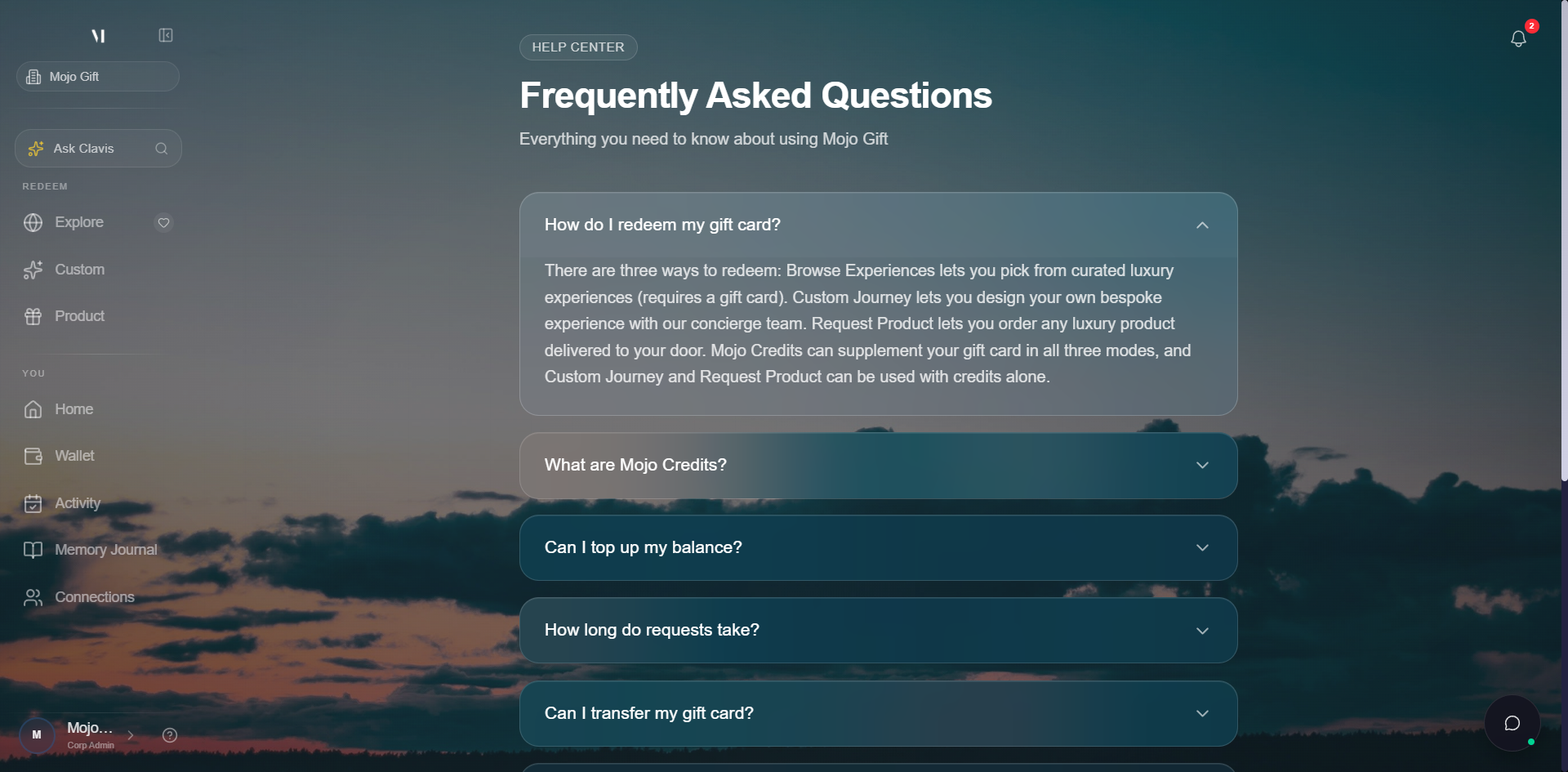
Click the button and Clavis opens with a welcome message and a few starter prompts. Type a question, or pick one of the suggestions.
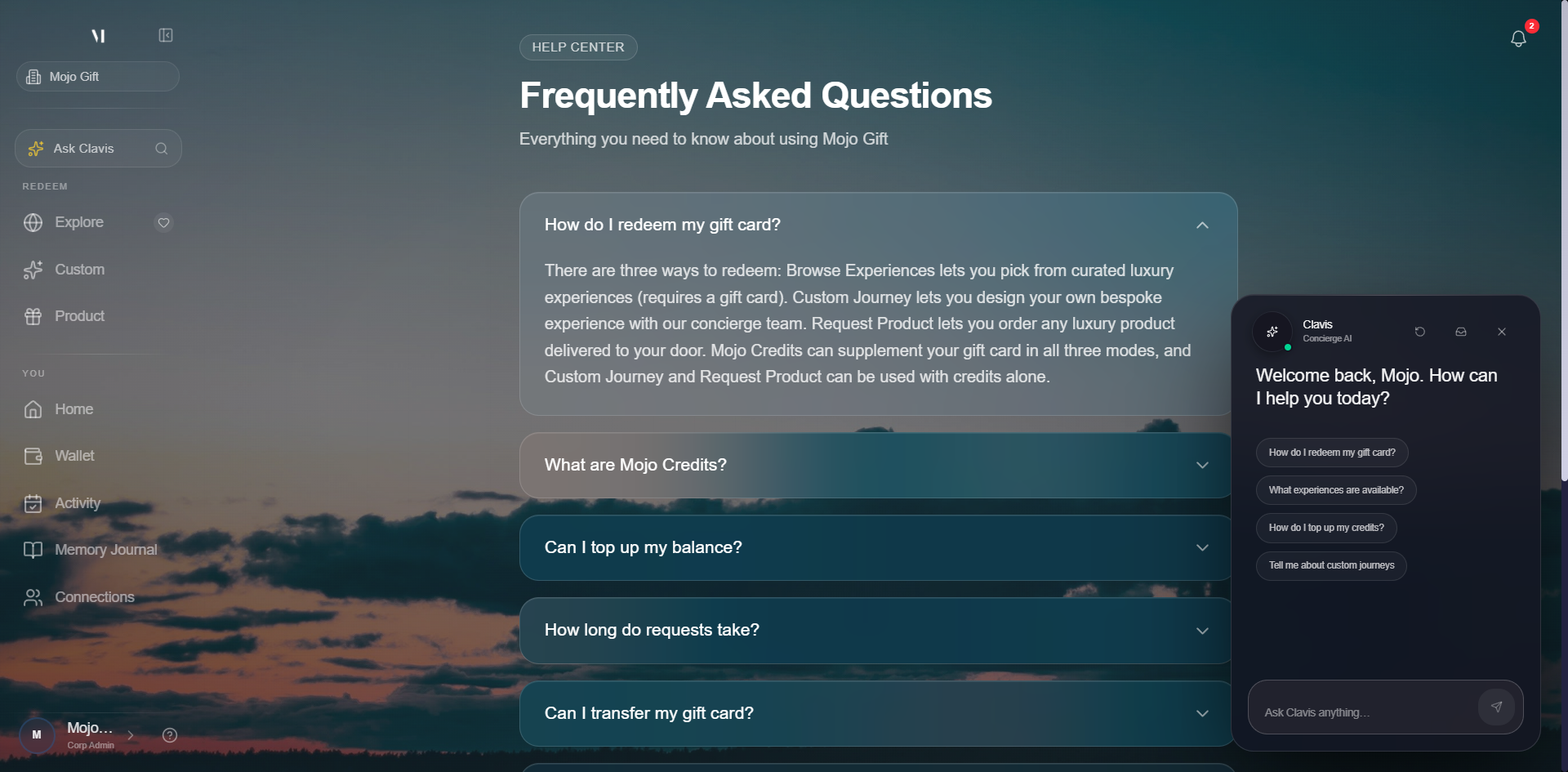
What Clavis can answer on its own
Clavis is wired into a curated knowledge base maintained by the Mojo Gift team. It can answer questions about:
| Topic | Examples |
|---|---|
| Gift cards | How to redeem a code, what tiers mean, how cards combine with credits. |
| Mojo Credits | What credits are, how to top up, where they apply. |
| Redemption modes | Browse Experiences vs Custom Experience vs Request a Product. |
| Bookings | How to track a booking, where messages live, response times. |
| Memory Journal | What journal entries are and how they relate to your experiences. |
If the answer is in the knowledge base, you'll see it immediately, with links into the relevant docs or app screens.
When Clavis hands off to a human
Some things need a person. When you mention payments, refunds, account access, fraud, or ask explicitly to talk to a human, Clavis opens a support ticket from your chat history and hands it off to the support team. You'll see a confirmation in the chat with an Escalate ticket to live support button.
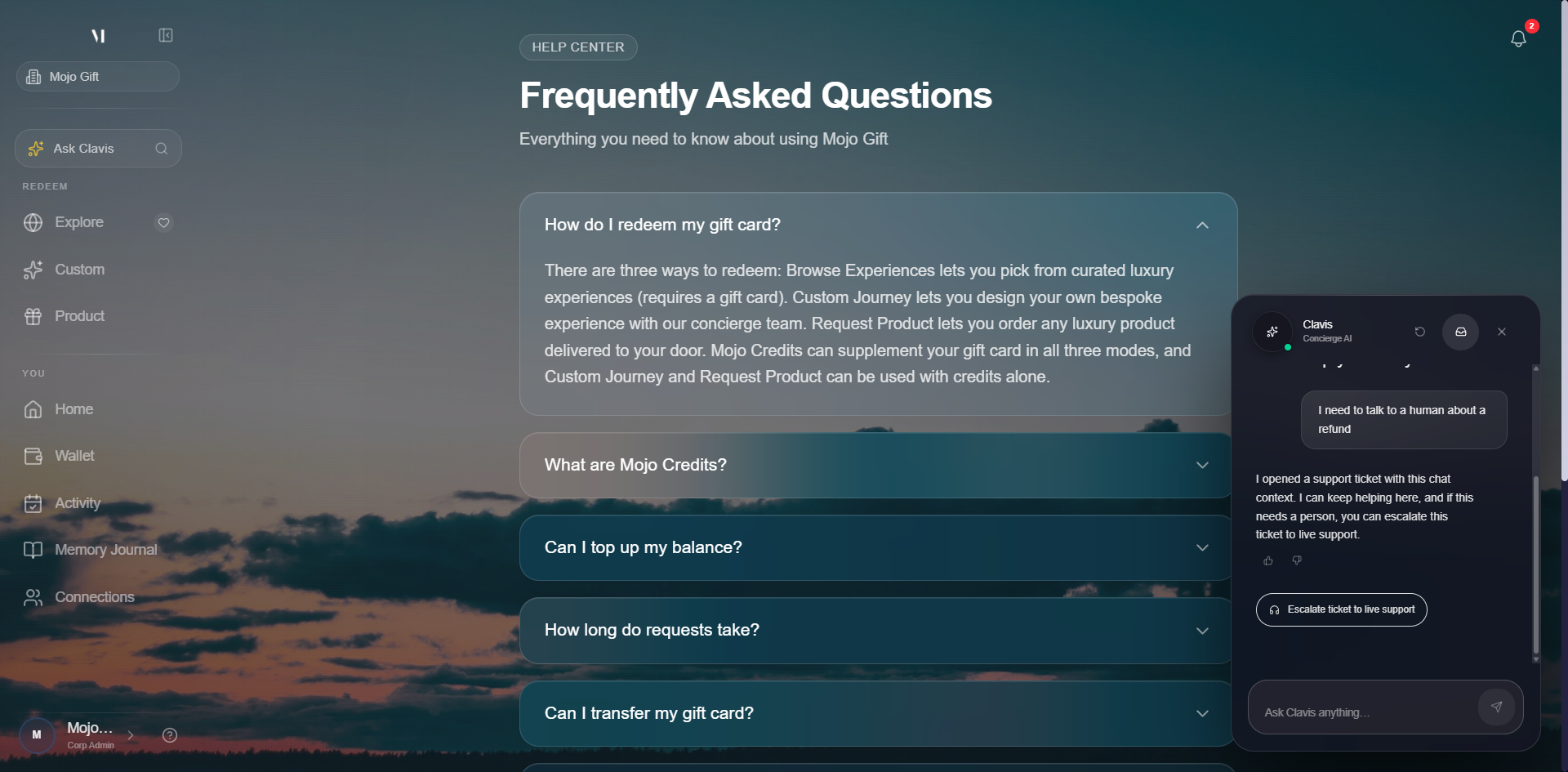
Once the support team has the ticket, they can see the full chat context, so you don't have to repeat yourself.
Reviewing your tickets
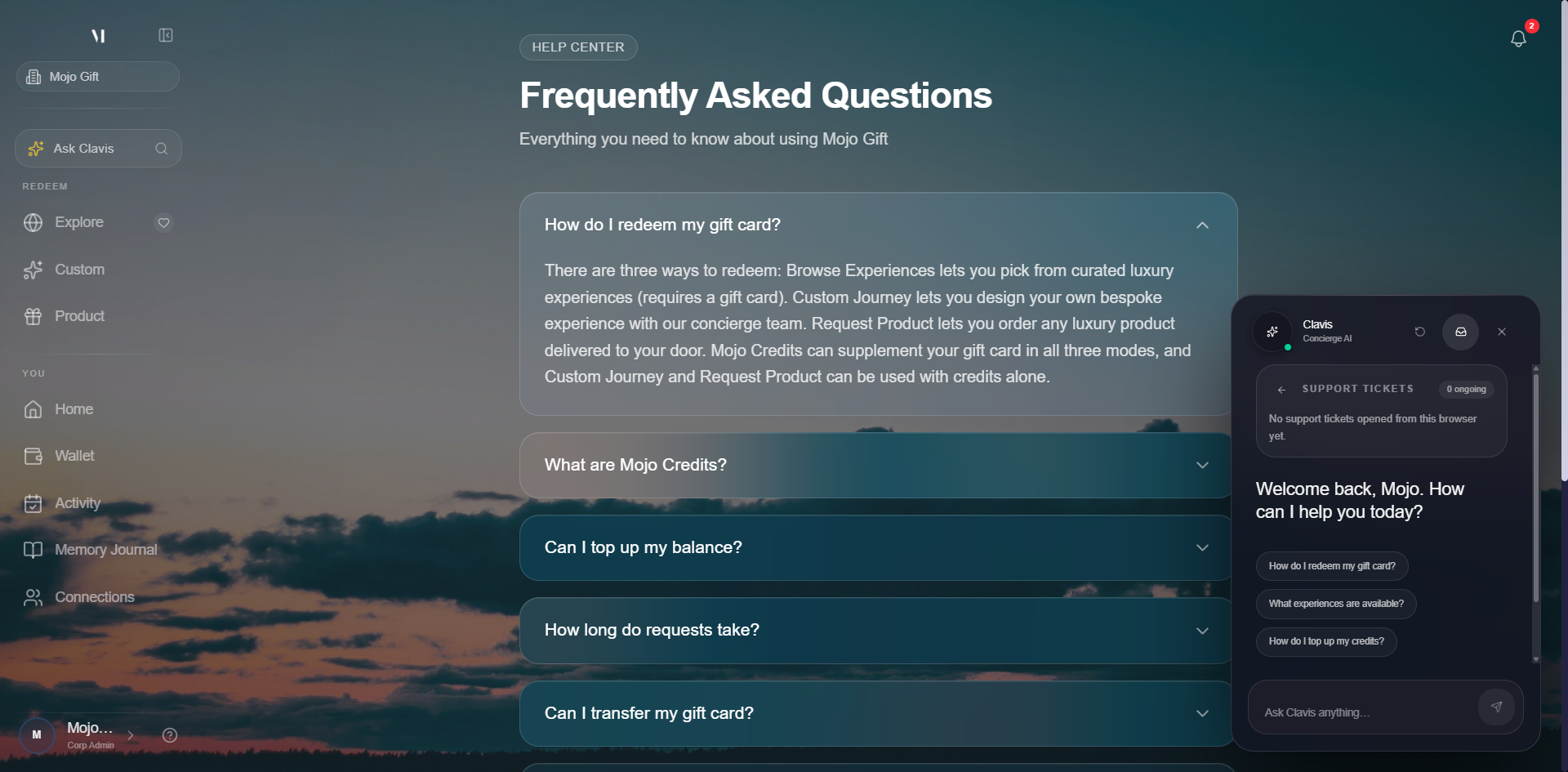
The inbox icon in the Clavis header opens a list of any tickets you've opened from this browser, with their status. This is also where you'll see a reply if the support team responds while the chat panel is closed.
The Help Center
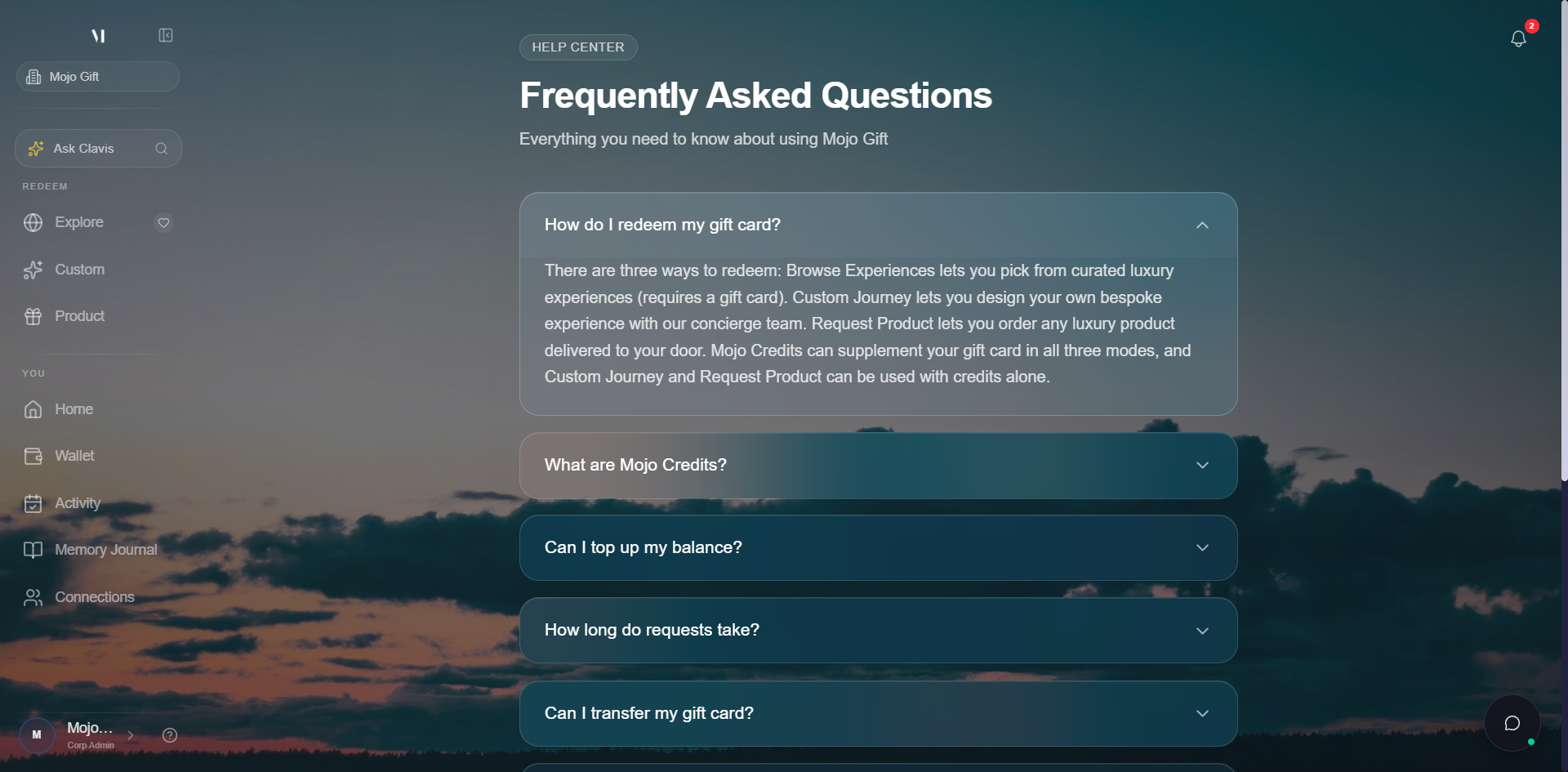
The Help link in the redeem portal opens the Help Center at /redeem/help. It collects the most common questions in one place and is a good first stop if you'd rather scroll than chat.
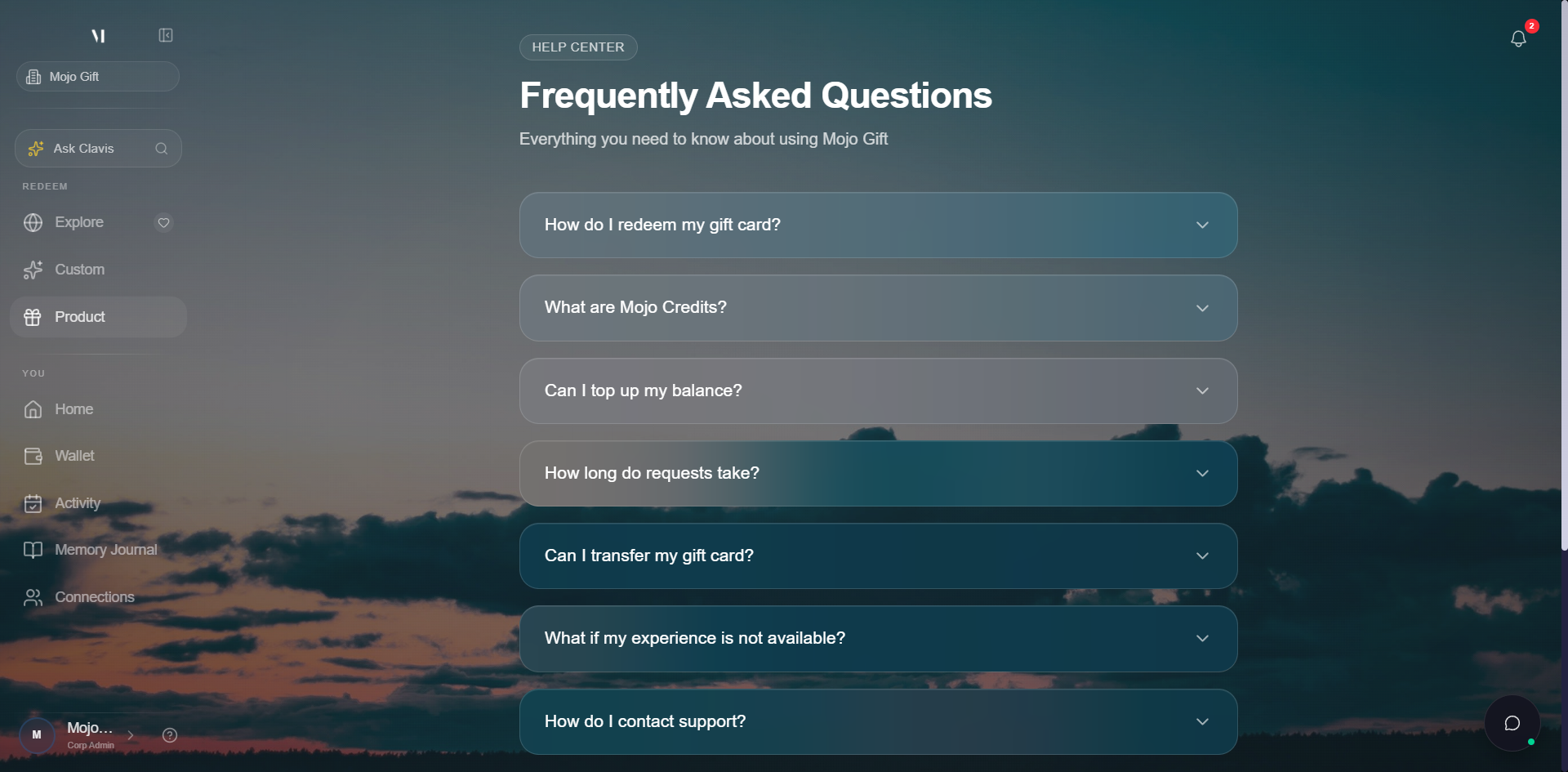
Clicking any question expands the full answer inline.
Email the concierge directly
If you'd rather email, the Still have questions? card at the bottom of the Help Center has a direct email link to the support team: support@mojogift.com. You can also reply to any email you've received from us, replies go straight to the support inbox.
For booking-specific questions, the fastest path is the message thread on the request itself. Open the request from My Activity and post in the concierge thread. The team that handles your booking sees those messages first.
What to include
To get a fast response, include:
- A short description of the issue
- The booking ID, gift card code, or transaction reference (if applicable)
- Screenshots, if it's a visual issue
The booking ID lives in the request thread URL and at the top of the request detail page. If you started in Clavis, the support team already has the chat transcript and most of this context.
Response times
Clavis is instant for anything in the knowledge base.
For human handoffs (Clavis tickets, email, booking-thread messages), the support team typically responds within one business day. Urgent booking issues (something happening today or tomorrow) are prioritised, flag urgency clearly in your subject line or first sentence.
What support can do
| Need | What support handles |
|---|---|
| Payment troubleshooting | Look up payments, refund a stuck top-up, reconcile credits that didn't appear. |
| Booking changes | Reach out to the venue or vendor on your behalf, and let you know what's possible. |
| Account fixes | Resolve email-verification issues, password resets, sign-in problems. |
| Goodwill credits | Add credits in special cases (refunds, account-related issues, etc.). |
| Gift card issues | Look up a gift card by code, reissue if the original was lost. |
What support won't do via email
For security, support won't share account details, change passwords, or move credits between accounts based on an unverified email. If we need to confirm identity, we'll guide you through a quick verification step.
What's next
- Tracking bookings covers the message thread on each request.
- About Mojo Credits covers the credits side, including what's refundable.
- Topping up credits covers the payment flow if your top-up didn't land.